
AI Food Photography and Portrait Photography: Commercial-Grade Portrait Prompt Templates
The keys to food photography are lighting and angle (a 45° commercial shooting angle + side backlight is the golden combination); the keys to portrait photography are expression and lens (an 85mm prime + f/1.8 wide-aperture blur). Both hands-on prompt sets are in this guide—copy them as-is to reproduce the results.
What You’ll Take Away from This Guide
Food Photography in Practice: Beef Wellington Commercial Shot
Food photography centers on the ingredient’s true flavor and the beauty of the plating, capturing the texture details, color layers, and plating quality of the dish. Traditional food photography relies on professional gear and soft fill lighting, with light angles and set dressing adjusted over and over; with Puyo AI, a single prompt produces commercial-grade food images, emphasizing high-end texture and professional lighting that bring out the ingredient’s refined layers.
Step one: open the Puyo AI image generation page, click the “Model” button, set the image model to “Puyo AI Standard”, and enter the prompt in the input box:
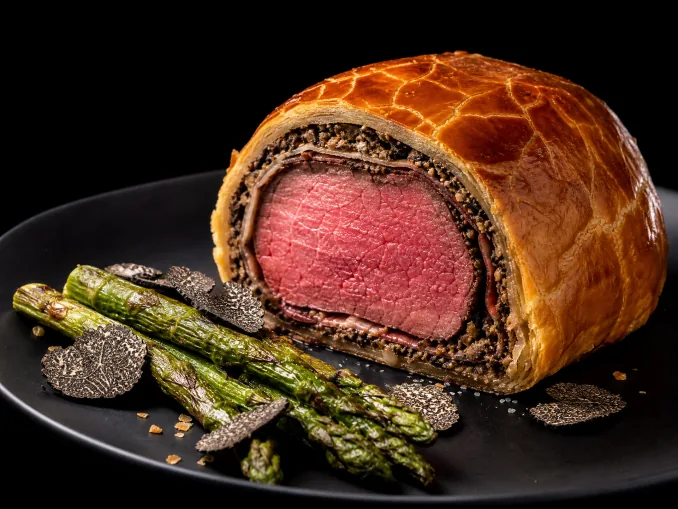
High-end French Beef Wellington. The golden pastry crust has distinct cracks. When sliced open, tender pink beef blends with mushroom duxelles, served with roasted asparagus and black truffle. Solid black background, 45° commercial food shooting angle. Side backlight outlines the edges. Camera parameters: f/4, shutter speed 1/125s, ISO 100. Ultra-high definition, natural glossy texture, no extra distracting elements, highlight luxurious premium feel.
How to: set the model to “Puyo AI Standard”, enter the prompt, set the ratio to 4:3, the resolution to 2K, and the number of images to 1, then click “Create”.
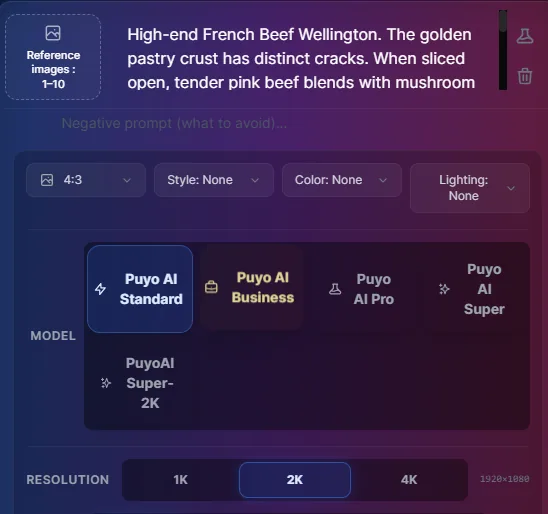
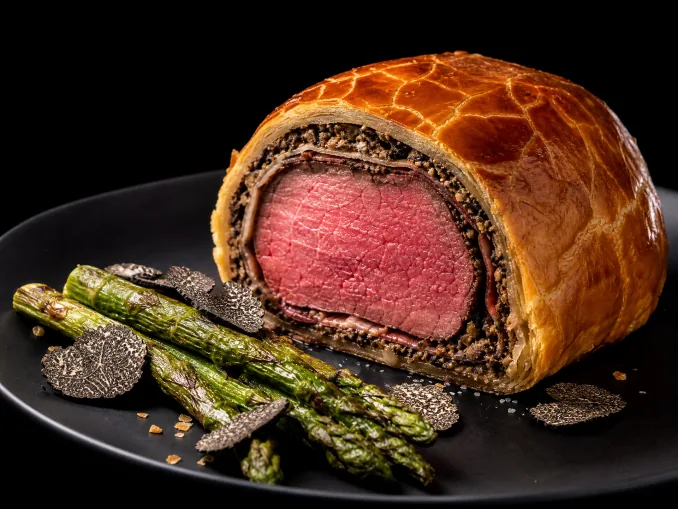
Fig. 1-4 Beef Wellington: commercial food photography from prompt to finished image
Three details in this prompt are worth copying: “golden pastry with distinct cracks” and “tender pink beef blending with mushroom duxelles” are concrete descriptions of the food’s state; “solid black background” removes clutter in one step; and “45° commercial shooting angle + side backlight” is the classic food-lighting combo—once the light traces the outline, the glossy texture holds up.
Four Food Scenes: Everyday, Drinks, Baking, Street Food
Beyond commercial shots, Puyo AI also generates a range of food photography: everyday food photography uses natural light for a warm, lifelike mood that feels shareable; craft drink photography focuses on refined details like layers and bubbles for a fresh, premium look; baking-process photography captures the dynamic moment ingredients transform, recreating the making texture; and street-food photography freezes the wok-fired smokiness and motion, full of everyday street flavor:
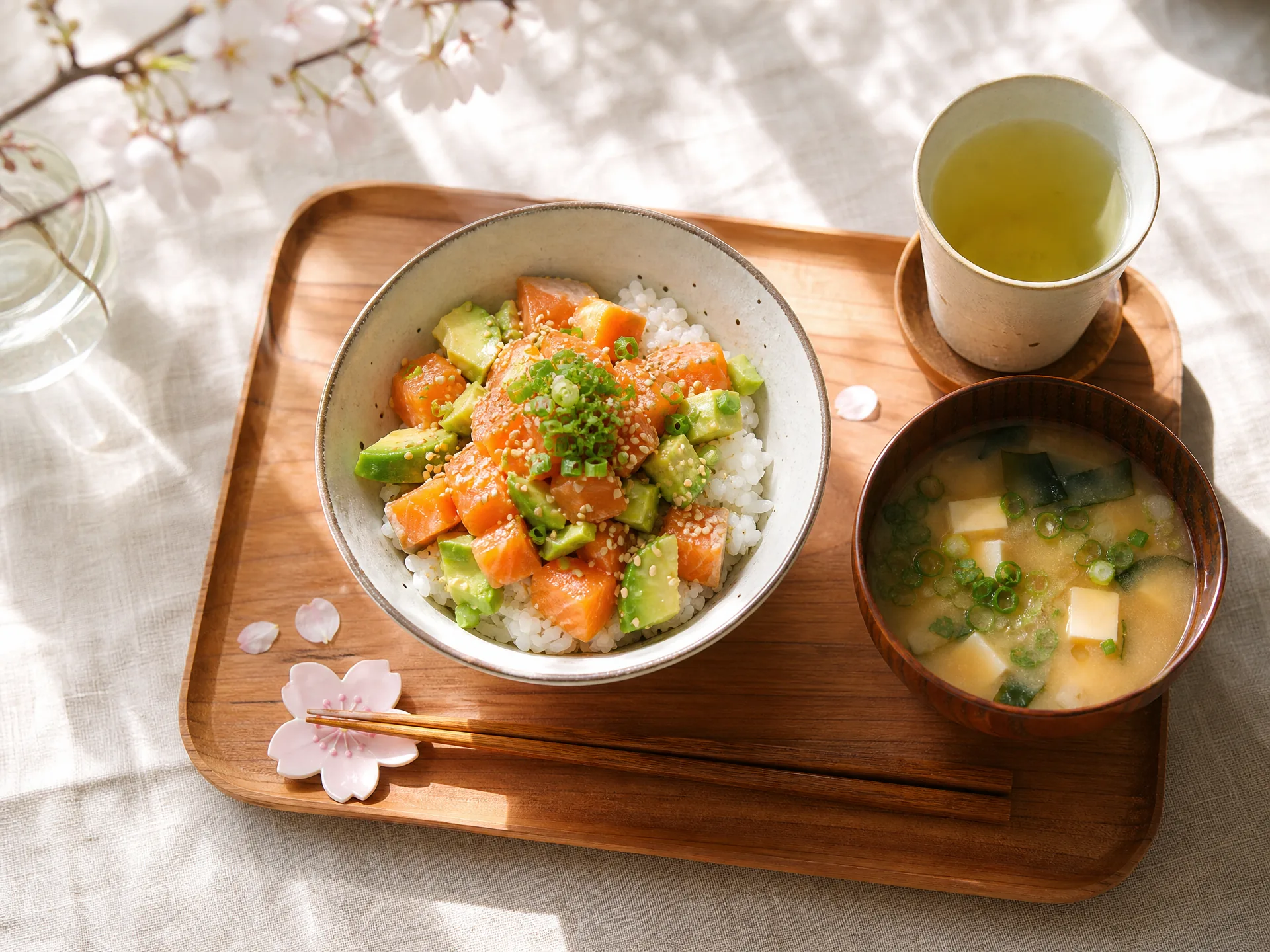
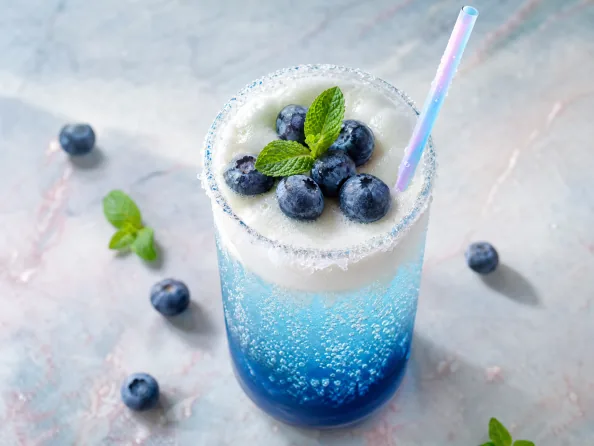
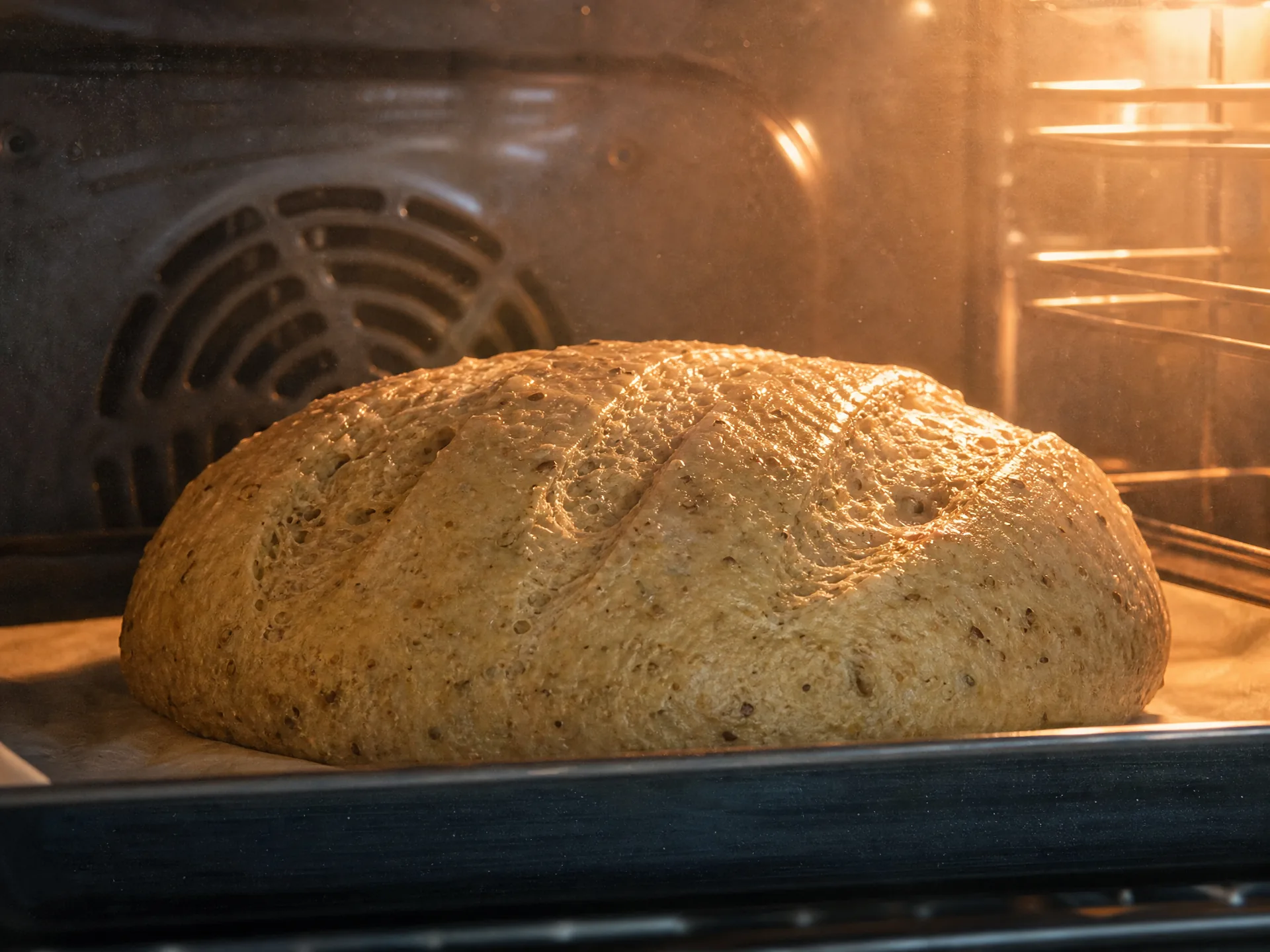
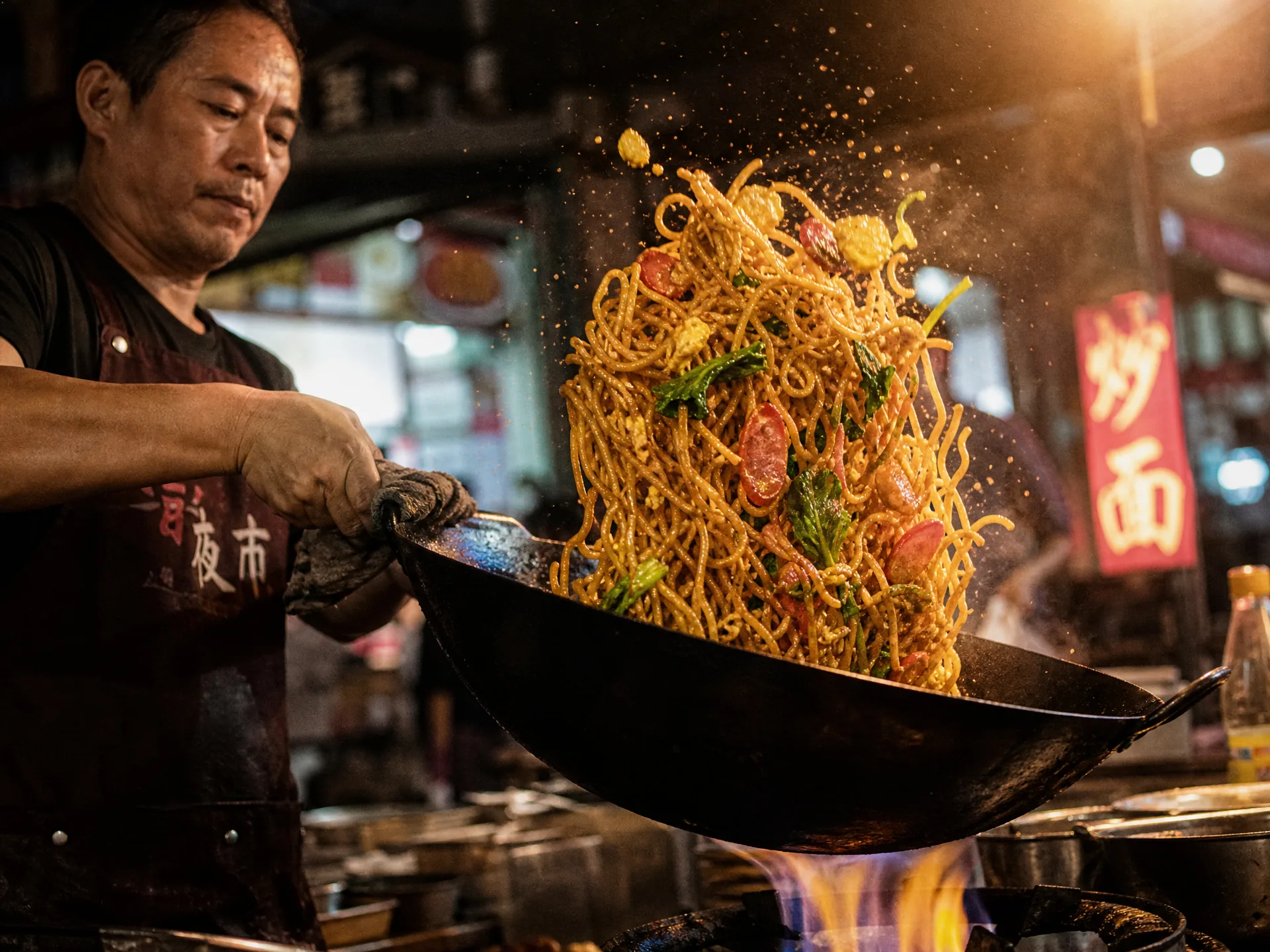
Fig. 1-5 Four kinds of food photography: different subjects, the same formula
The difference between the four scenes comes down to mood words: everyday uses natural light, drinks describe layers and bubbles, baking catches the dynamic moment, and street food emphasizes smoky motion. The underlying logic of lighting and angle is exactly the same as for commercial shots.
Portrait Photography in Practice: Portrait of a 30-Year-Old Woman
Portrait photography centers on the person, precisely capturing expressions, body language, and emotional qualities. Traditional portraits need the full trio of camera, lighting, and backdrop, plus control of shooting angles and direction of the subject; with Puyo AI, describe the person, style, and lighting needs clearly and you get a finely textured, realistic work. Portrait-style images focus on the subject’s expression and mood, using light and shadow to build texture—let’s walk through a hands-on case.
Step one: open the Puyo AI image generation page, click the “Model” button, set the image model to “Puyo AI Standard”, and enter the prompt in the input box:
Portrait photography of a 30-year-old woman. Side backlight outlines her facial contour. Her gaze is calm, with a touch of detachment. Strands of hair fall softly. Light makeup emphasizes the natural texture of her features. The background is a park. Shot on Canon 5D Mark IV with an 85mm prime lens, f/1.8, shutter speed 1/160s, ISO 100. Rich layered lighting, natural skin texture on face, no over-smoothing. Highlight the emotional tension of the subject. Clean frame with no extra distracting elements, focus on subtle facial expressions.
How to: set the model to “Puyo AI Standard”, enter the prompt, set the ratio to 9:16, the resolution to 2K, and the number of images to 1, then click “Create”.
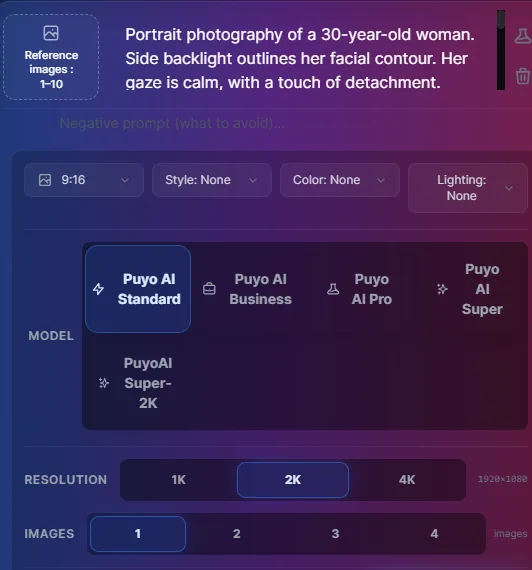
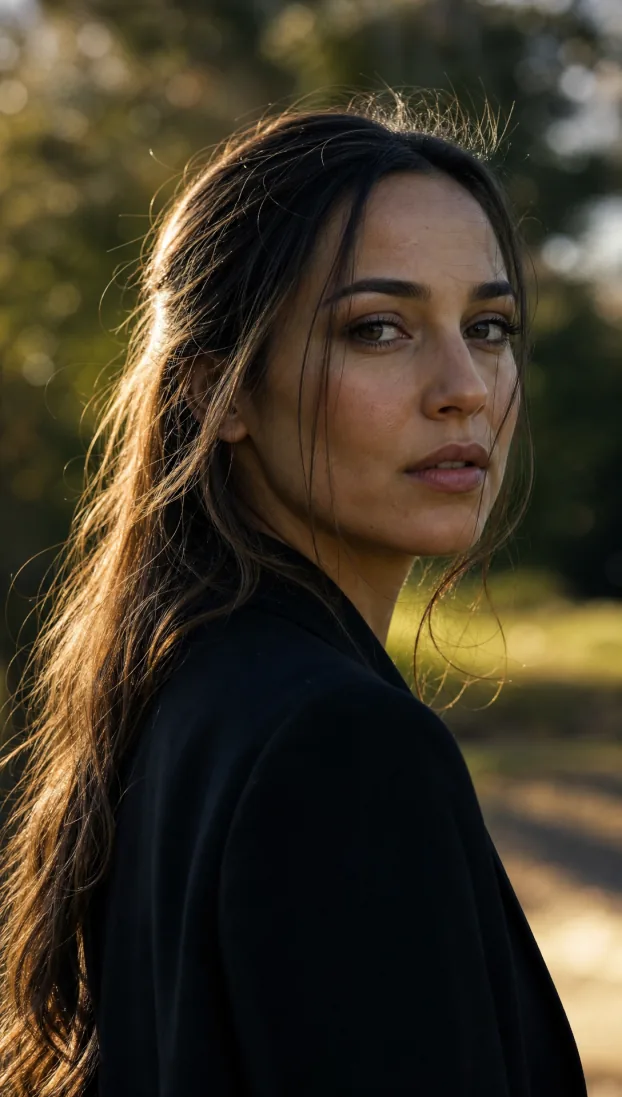
Fig. 1-6 Female portrait: expression and light are the core, not a list of features
The “premium feel” of this image comes from two things: first, the expression definition “a calm gaze with a touch of detachment”, which gives the frame emotion instead of a posed face; second, the negative-style phrase “natural skin texture, no over-smoothing”, which directly avoids the plastic-skin problem most common in AI portraits.
Four Portrait Styles: Fashion, Realistic, Chinese-Style, Family
Beyond formal portraits, Puyo AI generates many other kinds of people photography: fashion photography leads with trendy styling and avant-garde visual impact; realistic photography captures authentic street moments, recreating an everyday period feel; Chinese-style photography fuses traditional attire with classical scenes to express Eastern aesthetics; and family photography freezes warm interactions between family members with a healing, moving mood:
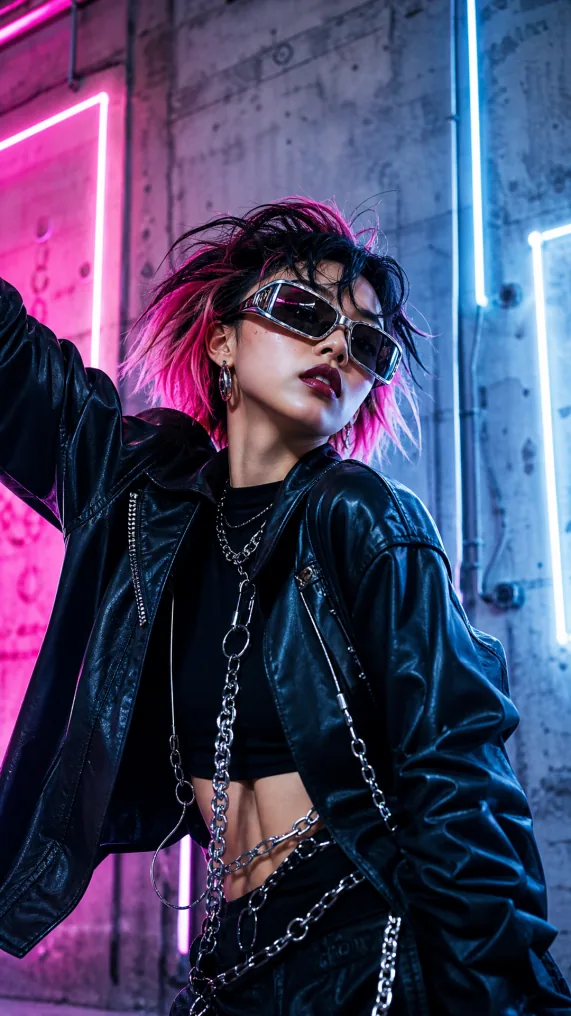
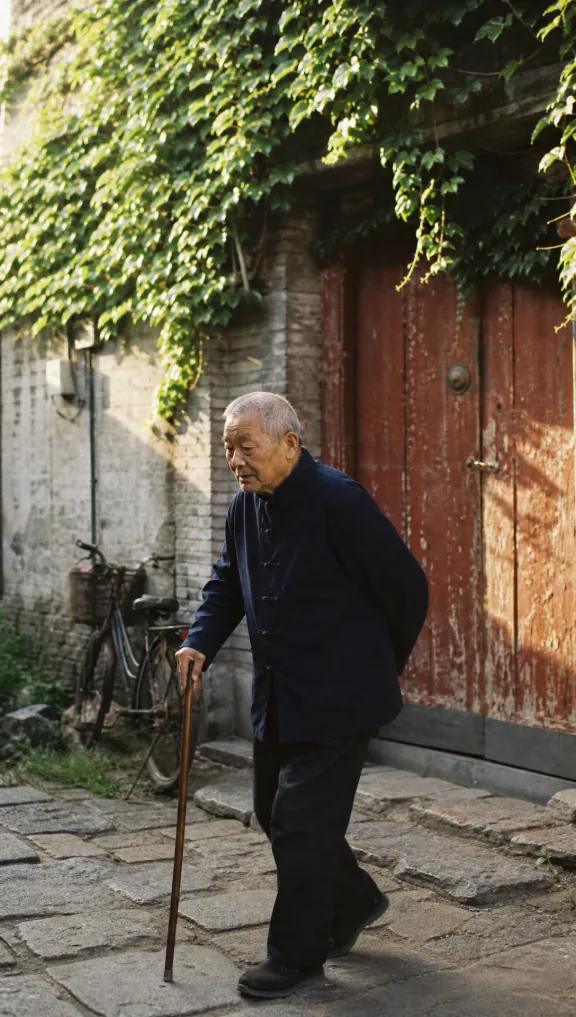
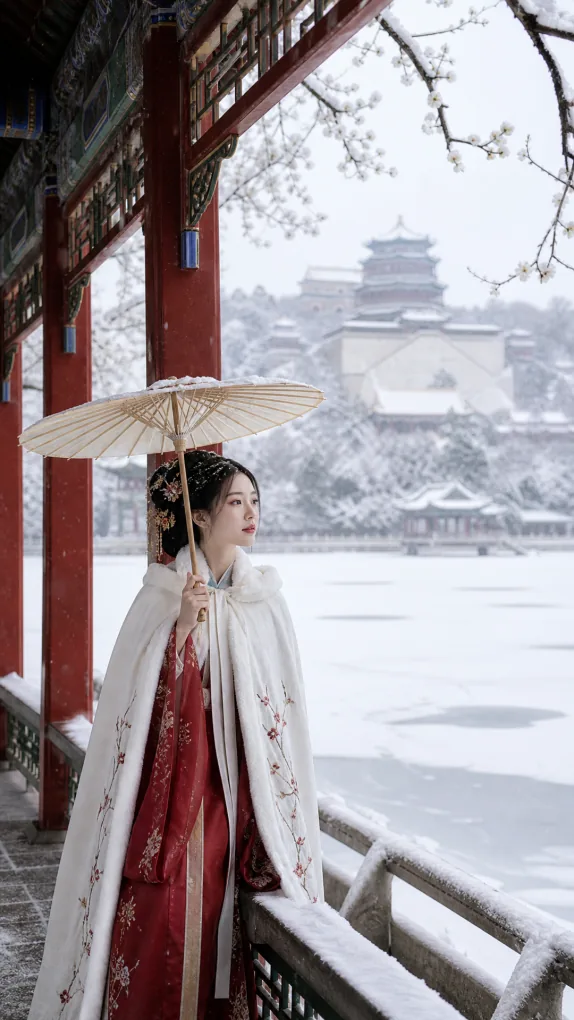
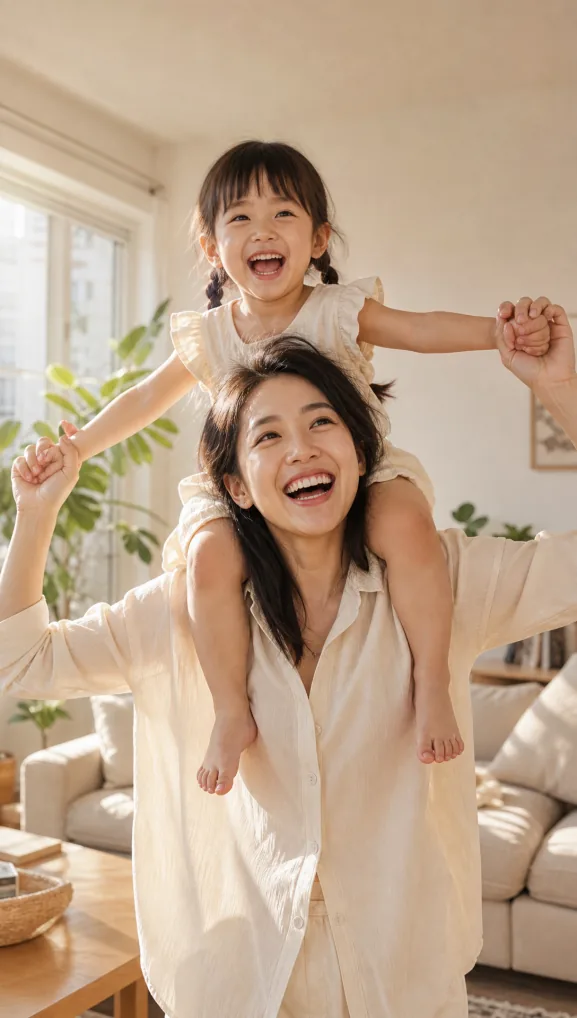
Fig. 1-7 Four portrait styles: swap the subject, keep the lighting logic
At this point both hands-on cases—food and portraits—are done. You’ll notice they share the same skeleton as the landscape guide in the previous part: open with the genre and style, set the texture with equipment parameters, layer the mood with lighting, keep the logic with composition details, and close with negative exclusions. The next guide fills in the last major subject—architecture photography—before moving into the creative play of visual creation.
FAQFrequently Asked Questions
The questions beginners ask most about this guide
Can AI-generated food images be used on menus and in commercial promotions?
Yes. Commercial food photography is all about high-end texture and professional lighting—write “45° commercial shooting angle, side backlight outlining the edges, solid black background” into the prompt, and the result is polished enough for menus, delivery platforms, and promotional materials.
Why do my AI food images look fake and unappetizing?
They are missing texture words and exclusion words. Add concrete textures like “natural glossy sheen” and “distinct golden cracks in the pastry”, then use “no extra elements” to remove clutter; the more specifically you describe the cut surface and the sauce, the more appetizing the result.
How do I write portrait prompts so the result does not look like an “AI face”?
Describe the expression and the light, not a list of features. Two phrases are key—”a calm gaze with a touch of detachment” and “natural skin texture, no over-smoothing”—keep real skin texture and emphasize emotional tension, and the image loses that plastic look.
What lens parameters should I use for portraits?
A Canon 5D Mark IV + 85mm prime + f/1.8 is recommended. The wide aperture gives background blur, 85mm is the classic portrait focal length with natural, undistorted perspective; copy the 1/160s shutter and ISO 100 as-is.
What aspect ratio should I use for portraits?
A 9:16 vertical frame works best. Portraits are vertical subjects, and 9:16 fits a full composition from a head close-up down past the shoulders; the case uses 9:16 + 2K resolution + 1 image.
Is there anything special about writing Chinese-style and family portraits?
Chinese-style portraits are about fusing clothing and setting—traditional attire paired with classical scenes to express Eastern aesthetics; family portraits are about interaction and mood—”warm interaction” and “heartwarming, moving” are the core atmosphere words, and natural soft light is enough for the lighting.
About the Author: Julia, Veteran AI Image Creator
Julia has long used AI image tools for photography-grade portraits, stylized illustration, and artistic recreations, and has coached large numbers of complete beginners. Every case, prompt, parameter, and screenshot in this article comes from real generation records on the Puyo AI platform—not theoretical speculation, not stitched-together stock. The next guide enters architecture photography and creative figures to complete the last major subject of photography simulation.
The content is adapted and polished from the original material “From Novice to AI Art Pro | Complete Hands-On Tutorial Collection”, with all original prompts and figures preserved. Source: https://www.puyoai.com.
Shoot Your Own “Michelin” Plate Tonight
Open the Puyo AI website, turn your signature dish into a prompt, and generate a commercial food shot good enough for a menu.
Results are affected by model version and randomness—the same prompt will vary slightly each time it runs; run it a couple of rounds before drawing conclusions.