
How to Choose AI Art Styles and Parameters: Style Library + Four Parameter Types Explained in One Pass
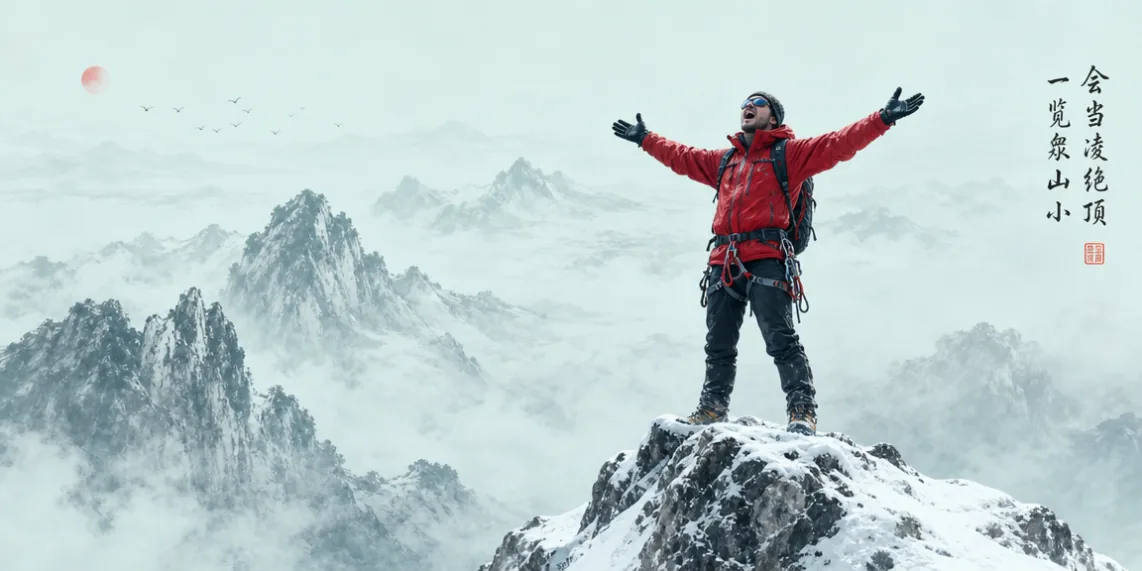
Choose styles along three dimensions—art movement, visual texture, narrative atmosphere—and keep them consistent with subject and details; for parameters, focus on four items: quality, composition, rendering engine, and detail precision—start at 2K resolution, choose composition by narrative, let the rendering engine follow the style, and write detail precision into the prompt body.
What You Will Take Away From This Guide
Style: The Brush That Sets the Image’s Tone
At the formula’s third section it is time to set the tone. Style directly decides the visual direction: the same subject is a documentary in photorealistic style, an animation in cartoon style, a warm filter in cozy style—without a clear style instruction, the output tends to be bland and unmemorable.
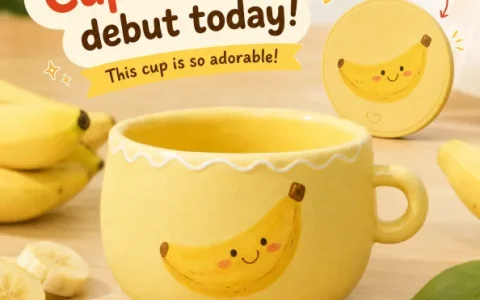
Frame style along three dimensions: art movement sets the creative paradigm (oil painting, ink wash, cyberpunk), visual texture sets the surface finish (flat, grainy, 3D), narrative atmosphere sets the emotional direction (cozy, nostalgic, tense). Twist the three together and the style is locked. See the same banana in four styles:
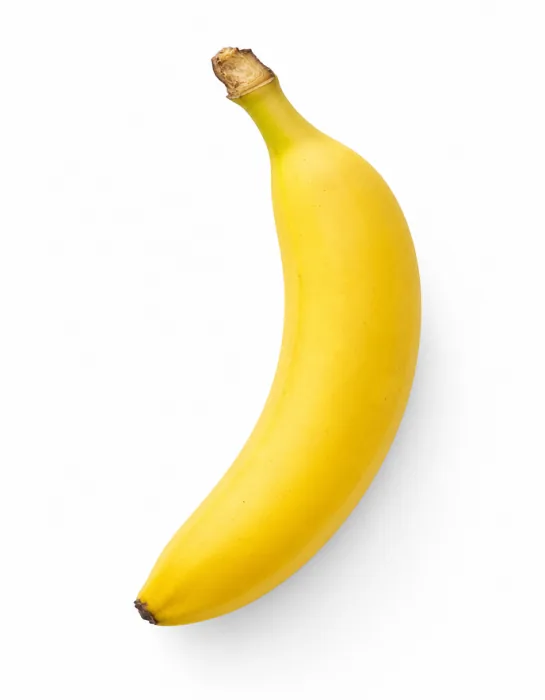
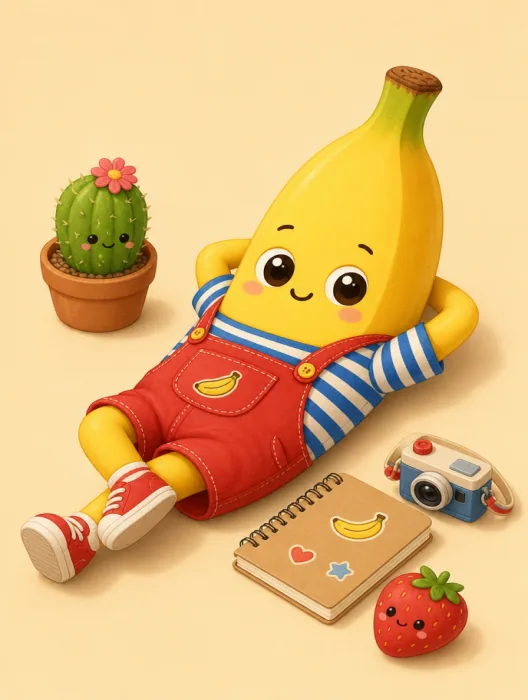
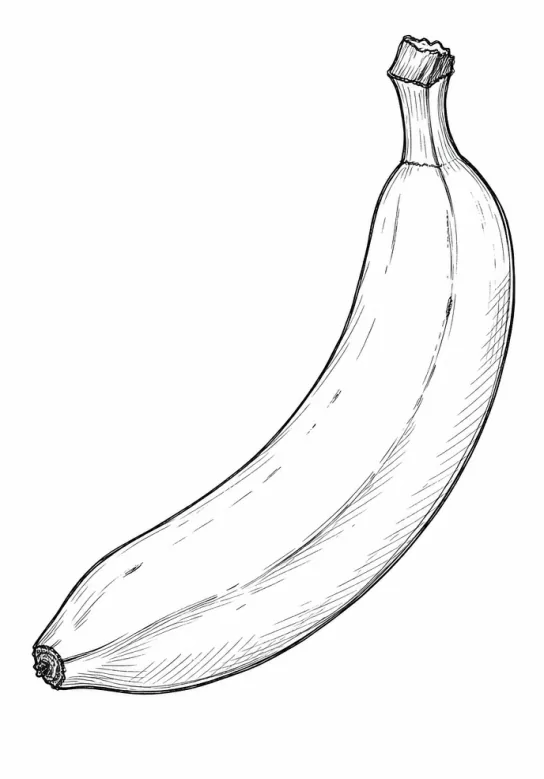
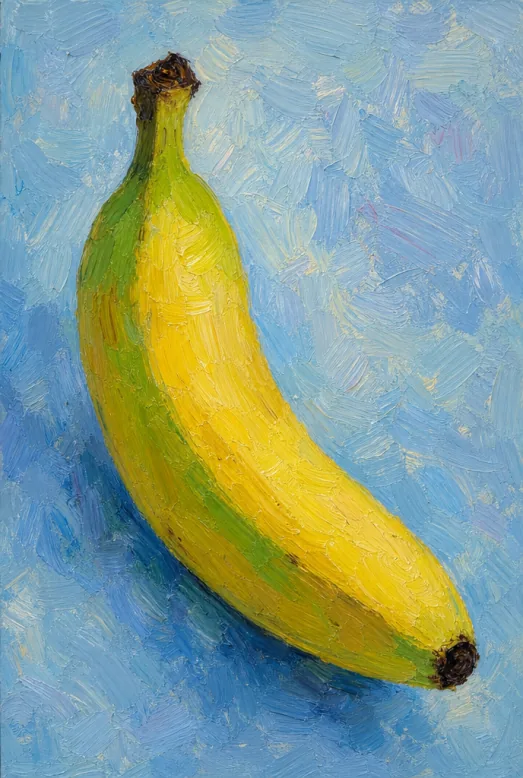
Fig 1-6 One subject, four styles, four completely different temperaments
There is one iron rule for choosing style: stay consistent with subject and details. Cyberpunk for a nostalgic old street, hyper-realistic lighting for a chibi character—however precise each element is described, the whole image feels wrong. Style must be built on an overall consideration of subject and details, the step beginners most easily overlook.
Parameters: Quality, Composition, Rendering Engine, Detail Precision
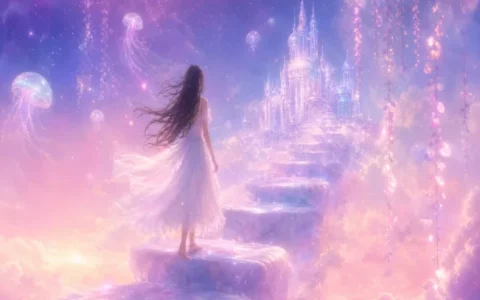
The formula’s last section is parameters, which decide the quality of the image’s “finish”. The first item, quality: its value ties directly to pixel count and detail transitions—choose by use case. Cinematic quality versus hand-drawn quality on the same subject, and the gap is obvious:
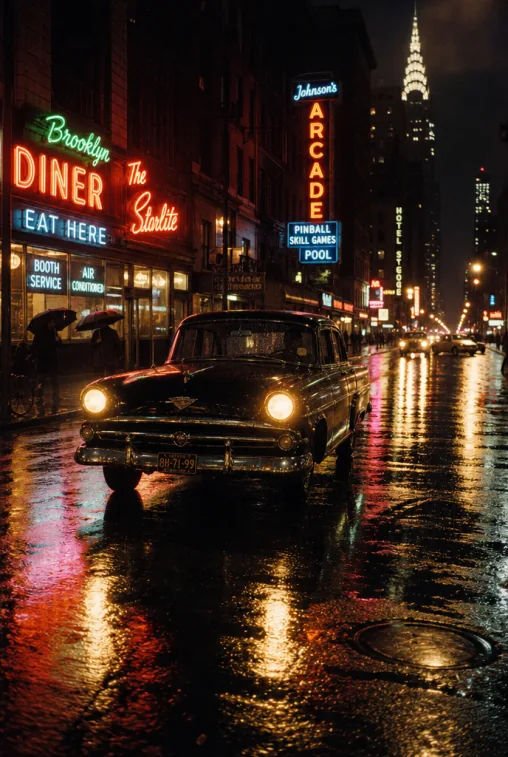
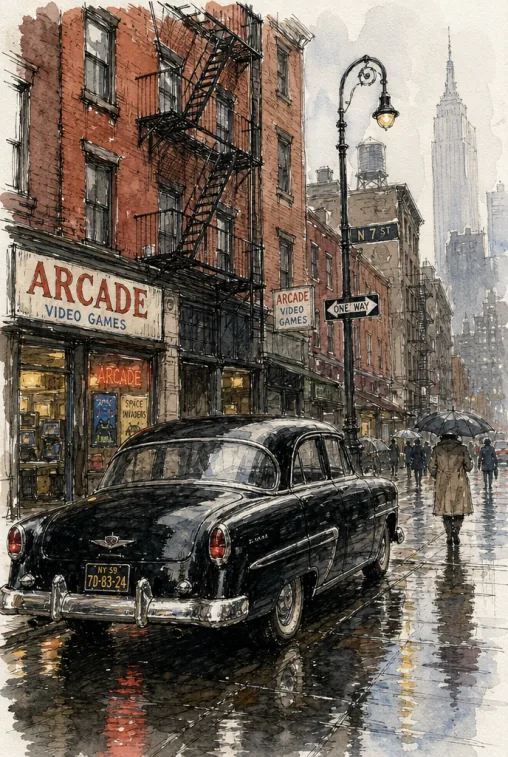
Fig 1-7 The quality parameter decides the image’s “foundation”
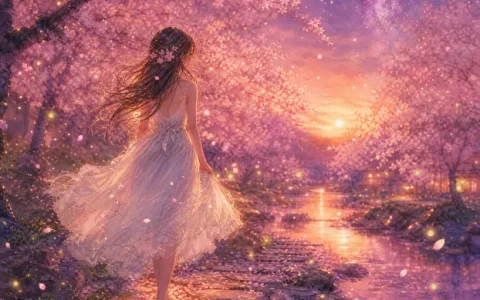
The second item, composition: it decides the visual frame and focus distribution. Sound composition strengthens the subject’s presence and guides the eye. Negative space and symmetry differ greatly in mood—the former gives the image breathing room and carries copy well, the latter stresses order and ceremony:
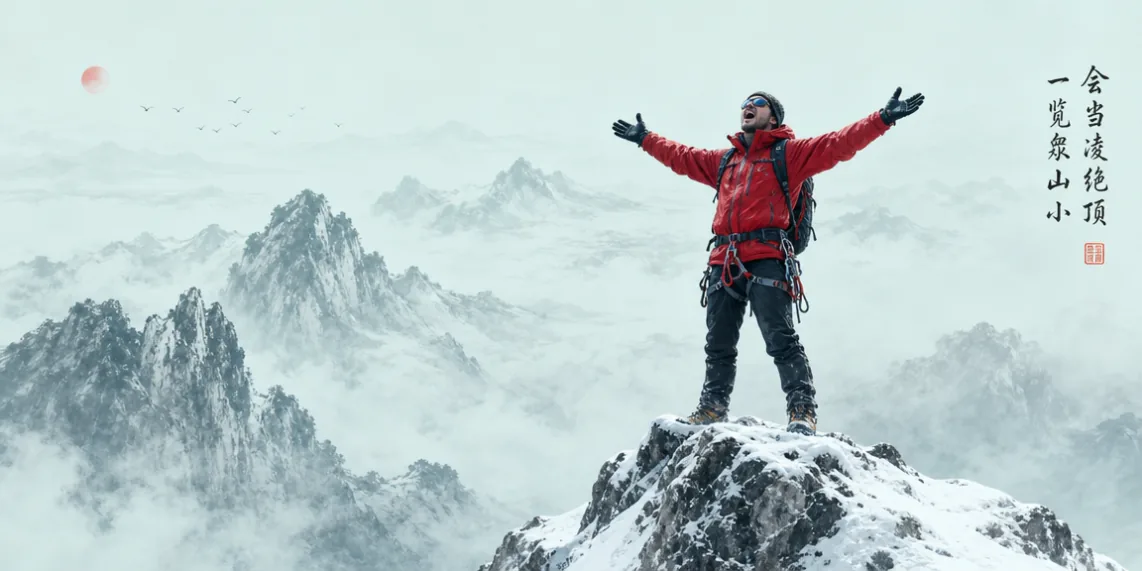
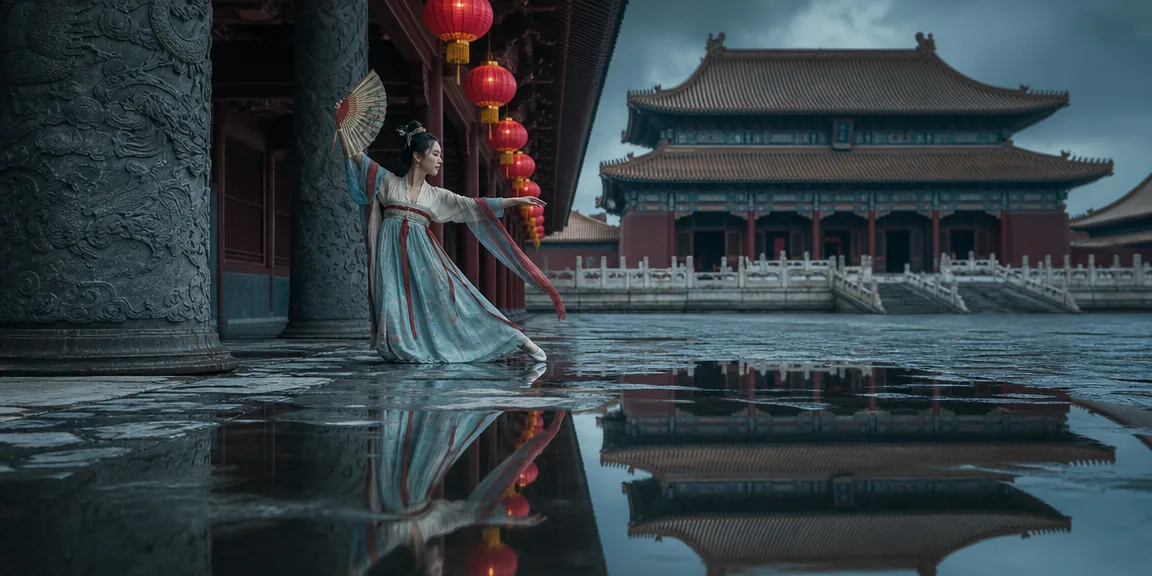
Fig 1-8 / Fig 1-9 Two compositions, two narratives
The third item, rendering engine: it affects texture rendering and lighting simulation. Different engines run on different technical logic—some excel at hyper-realistic physical light, others suit cartoon styles. Blender rendering and Unreal Engine 5 game rendering on the same subject, each with its own flavor:
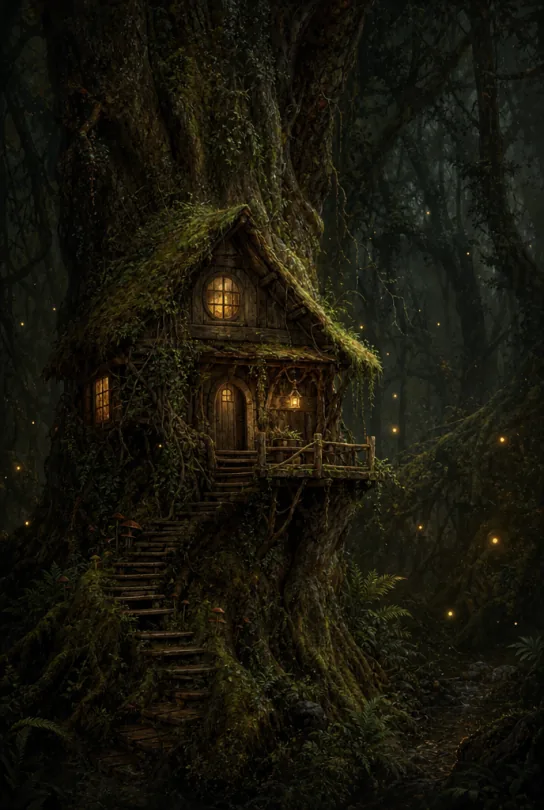
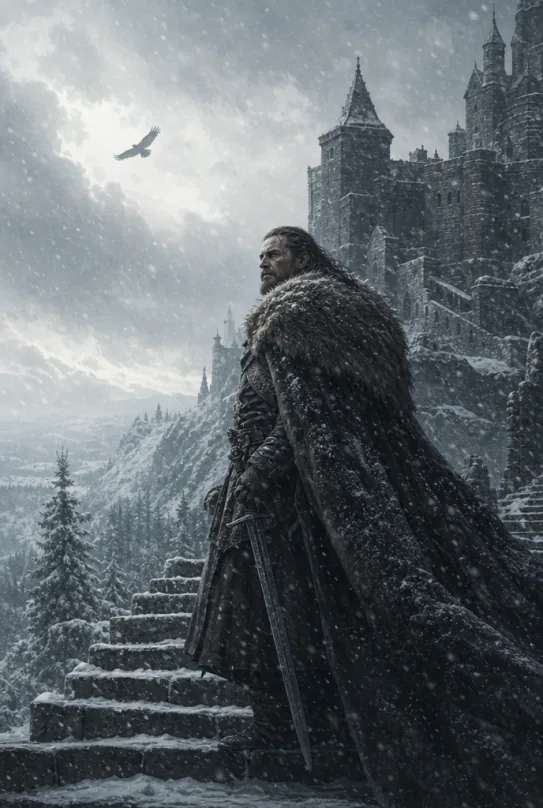
Fig 1-10 Let the rendering engine follow the style and the texture tastes right
The fourth item, detail precision: it decides how textures, contours, and tiny elements are presented. It needs to be tuned together with style and resolution; the most direct approach is writing the requirement into the prompt—”every pore visible” and “ultra-clear detail display” beat fiddling with numbers:
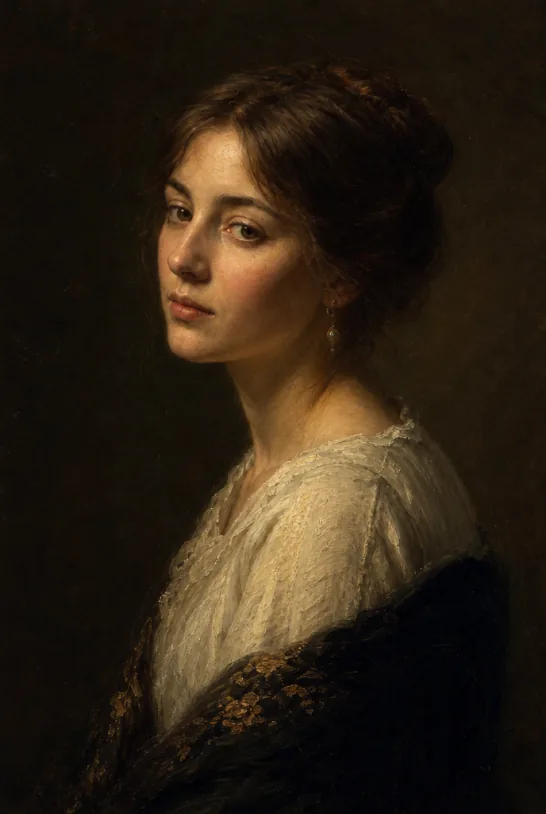
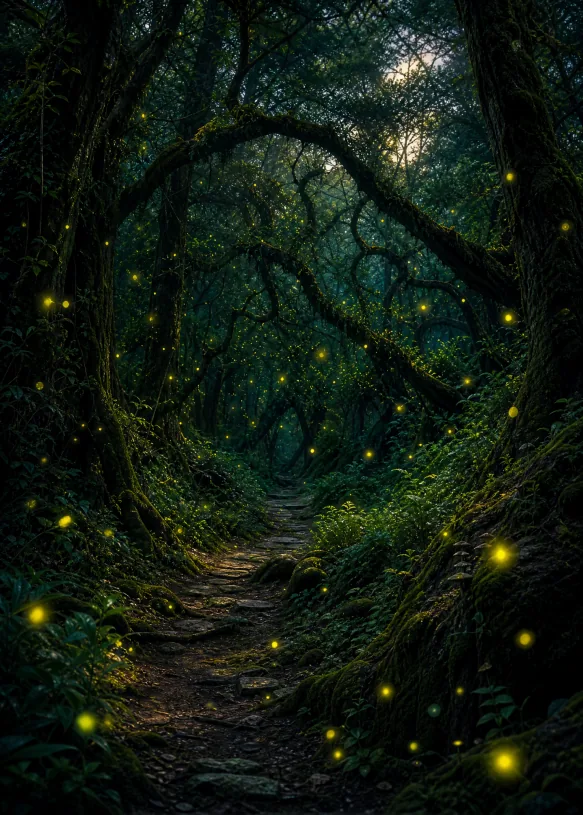
Fig 1-11 Write detail precision into the prompt and the effect is immediate
Parameter Template and Next Steps
Memorizing four parameter types is fiddly—just use the template. The parameter-section template card below covers quality, composition, rendering, and detail; swap keywords as needed and append it to the end of your prompt:
[Quality, e.g. cinematic quality]+[Composition, e.g. golden ratio / negative space / symmetrical composition]+[Renderer, e.g. Blender render / Unreal Engine 5 game render]+[Detail level, e.g. ultra-high details, fully refined details, every pore visible]
Parameter-section template: assemble the four items in order after the style section and connect them to the formula skeleton from Part 1 for a complete prompt.
At this point you have mastered three and a half of the formula’s four sections. Next step: string “subject + details + style + parameters” together completely—head to Part 3, Write Your First AI Art Prompt, follow the little-boy case to write a prompt from zero, and learn to refine it round by round until you are satisfied. Forgot the formula? Review The Universal AI Art Prompt Formula.
FAQFrequently Asked Questions
The questions beginners ask most about this guide
How many style words can I stack?
One or two is enough. Stack too many and the AI wavers between several tones, leaving the image grayish and neither here nor there. Set one main style first; if truly needed, fine-tune with one secondary word.
Is higher resolution always better?
Depends on the use. 2K covers social platforms and everyday images; go 4K only when you need large-format printing or re-composition through cropping—generation cost also rises with resolution.
Where do I write the parameters?
Write them directly into the prompt body, merged into one passage with the subject and details. The Puyo AI interface also has ratio and resolution options—keeping both sides consistent is the most reliable.
Negative-space or symmetrical composition—how do I choose?
Think about where you want the reader to look. Negative space suits covers and leaves room for title copy; symmetry emphasizes order and ceremony; for in-article illustrations, either works.
Do I have to specify a rendering engine every time?
Not required. The rendering engine affects texture and lighting simulation—specify it when pursuing hyper-realism or a particular cartoon look. For everyday images, leave it out and Puyo AI will match default effects from the style words; the image still holds up.
To change style, must I rewrite the whole prompt?
No. In the four-section structure, touch only the style section—keep subject, details, and parameters as they are; the content stays, only the artistic tone changes. If the subject drifts afterward, just make the subject section more explicit.
About the Author: Julia, Veteran AI Image Creator
Julia has long used AI image tools for avatars, illustrations, productivity diagrams, and character design, and has coached large numbers of complete beginners. Every case, prompt, parameter, and screenshot in this article comes from real generation records on the Puyo AI platform—not theoretical speculation, not stitched-together stock. This is Part 2 of the series (styles and parameters), continuing the universal formula master guide from Part 1.
The content is adapted and polished from the original material “From Novice to AI Art Pro | Complete Hands-On Tutorial Collection”, with all original prompts and figures preserved. Source: https://www.puyoai.com.
Pick Your Style and Parameters, Then Go Try
Copy this guide’s parameter template into Puyo AI, run the same subject in two or three styles, and comparing the outputs is the fastest way to improve.
Results are affected by model version and randomness—the same prompt will vary slightly each time it runs; run it a couple of rounds before drawing conclusions.
Original article by Julia,Please credit the source:https://www.puyoai.com/blog/ai-prompt-style-parameters-en.html

Comments(1)
[…] tone for your image—how to choose styles and tune parameters is broken down further in Part 2, How to Choose AI Art Styles and Parameters. If you want to jump straight into a complete case, go to Part 3, Write Your First AI Art Prompt, a […]