Julia
-
AI Fun Creativity and Classic Art:Miniature Cityand Ukiyo-e Hands-On Practice
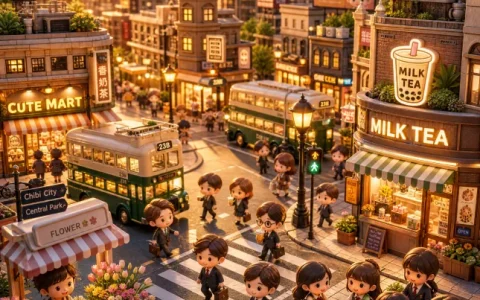
Earlier pieces were about “recreating”; this one starts “creating”: first a playful miniature city, then an upgrade to the six-element artistic interpretation formula, using ukiyo-e to recreate a classic—the prompts get finer-grained and the results more refined.
-
How Do You Generate AI Illustrations and Comics:Style-Driven SubjectsPrompt Hands-On Practice
Illustration and comics are the two most style-driven areas of visual creation: the former conveys emotion through artistic language, the latter tells stories through panels. This piece uses a cherry-blossom illustration and a Miyazaki-style comic to show how the four-part formula reaches its full potential in style-heavy subjects.
-
AI Architecture Photography and Creative Figures: Great Wall Aerial Shot and ID Photo in Practice
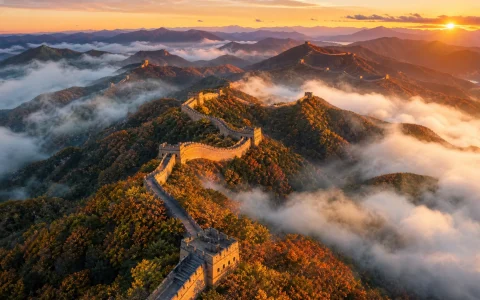
Architecture is the subject that tests spatial awareness most in photography simulation, while people are the most versatile canvas for visual creation. This piece closes out the photography-simulation series with a landmark aerial shot, then moves into visual creation—one four-part formula takes you all the way from formal ID photos to chibi avatars.
-
AI Food Photography and Portrait Photography: Commercial-Grade Portrait Prompt Templates
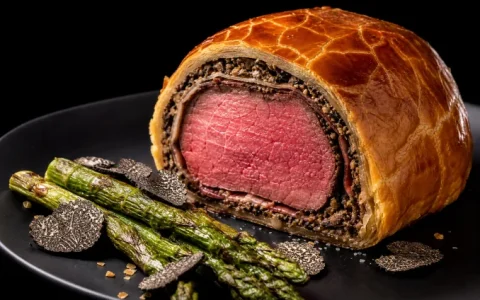
Food and portraits are the two most in-demand image types on social media: businesses need menu shots and promotional images, while individuals want avatars and lifestyle photos. This guide walks you through two complete hands-on cases to show how to nail food photography and portrait photography in AI in a single pass—and how to tune the parameters and the mood words separately.
-
How to Use AI Photography Simulation:Prompt Formulaand Landscape Photography Hands-On Practice
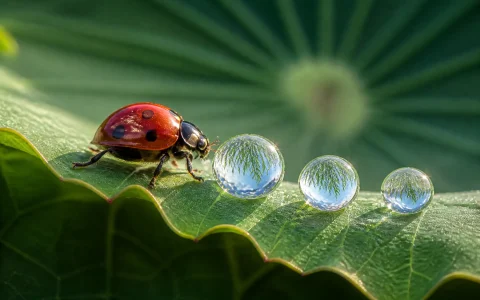
No camera, no waiting outside for the right weather—a single prompt can produce photography-grade work rivaling a professional shooter. That’s AI photography simulation. This piece explains its prompt formula, walks through a full landscape workflow, and closes with four specialty landscape variations.
-
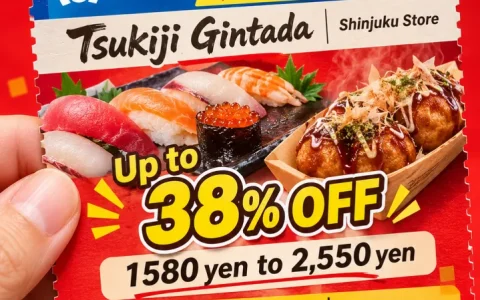
How to Make Promo Coupons and Character Breakdown Sheets: AI Everyday-Design Prompt Templates
Opening a store means needing a promo coupon; drawing characters means needing a design breakdown—these non-standard image requests mean high design-agency costs and fiddly DIY layout. Puyo AI gets it done with two prompts, and both templates in this guide are copy-ready word for word.
-
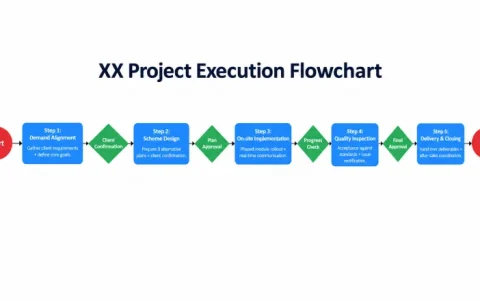
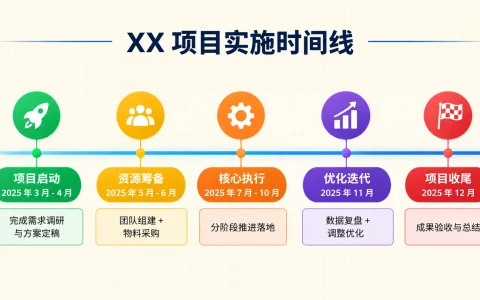
How to Generate Project Timeline Charts and Flowcharts: AI Project Visualization Prompt Templates
The scariest part of a project report is failing to explain “what comes first, what comes next, and what hands off to what”. Timeline charts handle sequencing and milestones, flowcharts handle task flow and handoffs—this guide’s two templates are copy-ready, turning your project steps into one image everyone understands.
-
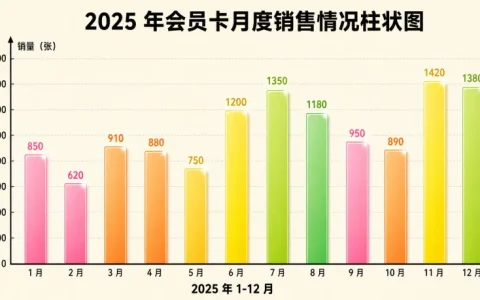
How to Generate Bar Charts and Pie Charts with AI: Sales Data Visualization Prompt Templates
Comparing values and showing shares are the two most common charting needs at work. This guide gives you two copy-ready prompt templates—bar charts for size comparisons and donut pie charts for share breakdowns—so you can swap in your own data and get a chart right away.
-
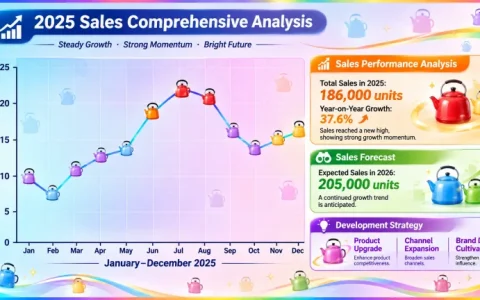
How Does a Document Become a Chart: A Three-Step Hands-On Tutorial (with a Line Chart Case)
Reports, notes, and data sheets piling up, and you want them as charts anyone can read at a glance? This workflow takes only three steps, each with ready-made tools and prompt templates—follow along and you can turn any document into a chart.
-
Why Puyo AI Is Especially Good at Charts: Three Core Capabilities Explained
Charts are a powerful way to make complex information intuitive, but ordinary users usually get stuck on “tangled logic, misaligned text, wrong chart type”. This guide first breaks down Puyo AI’s three core charting capabilities—understand why it’s strong, and the hands-on guides that follow will have a clear direction.